
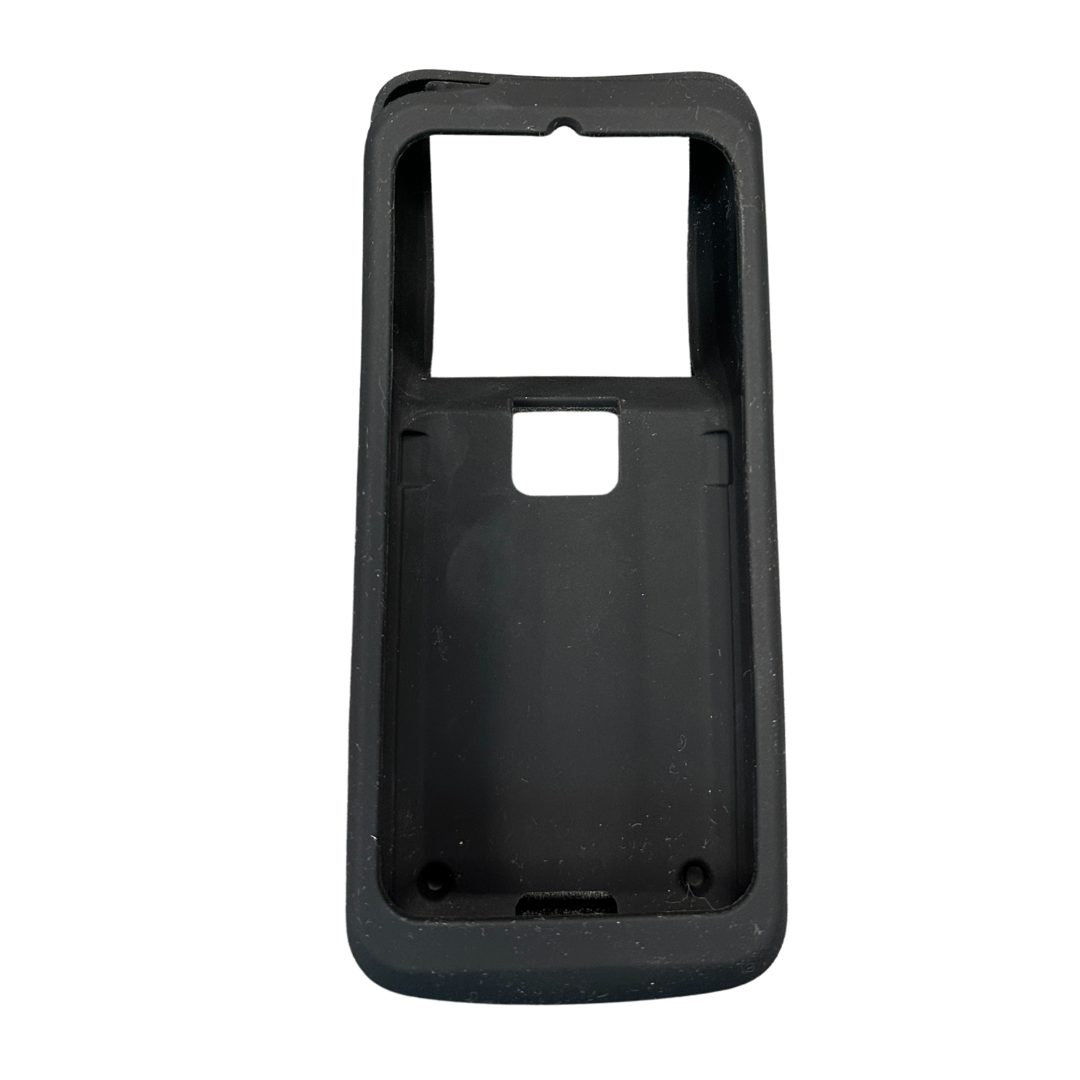
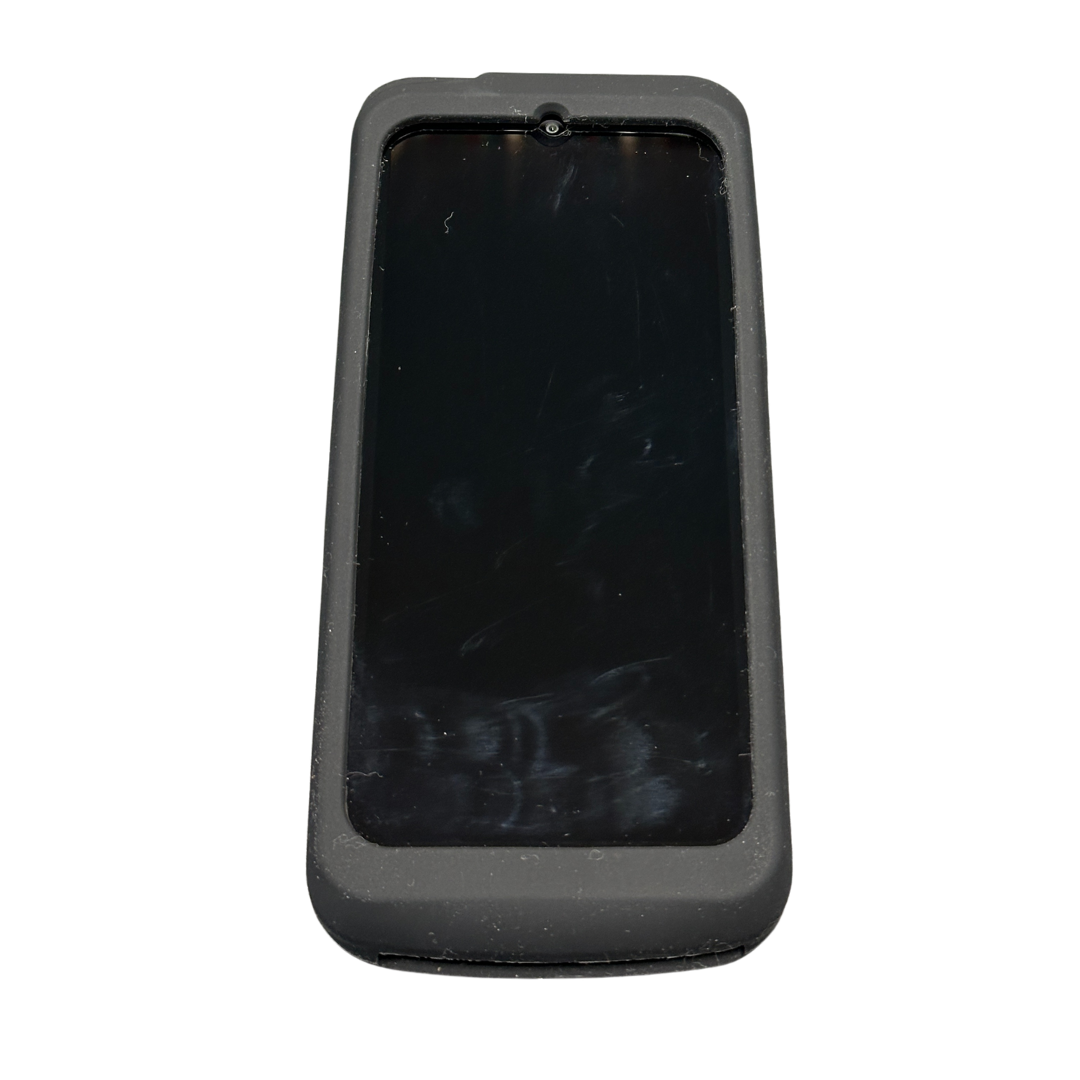
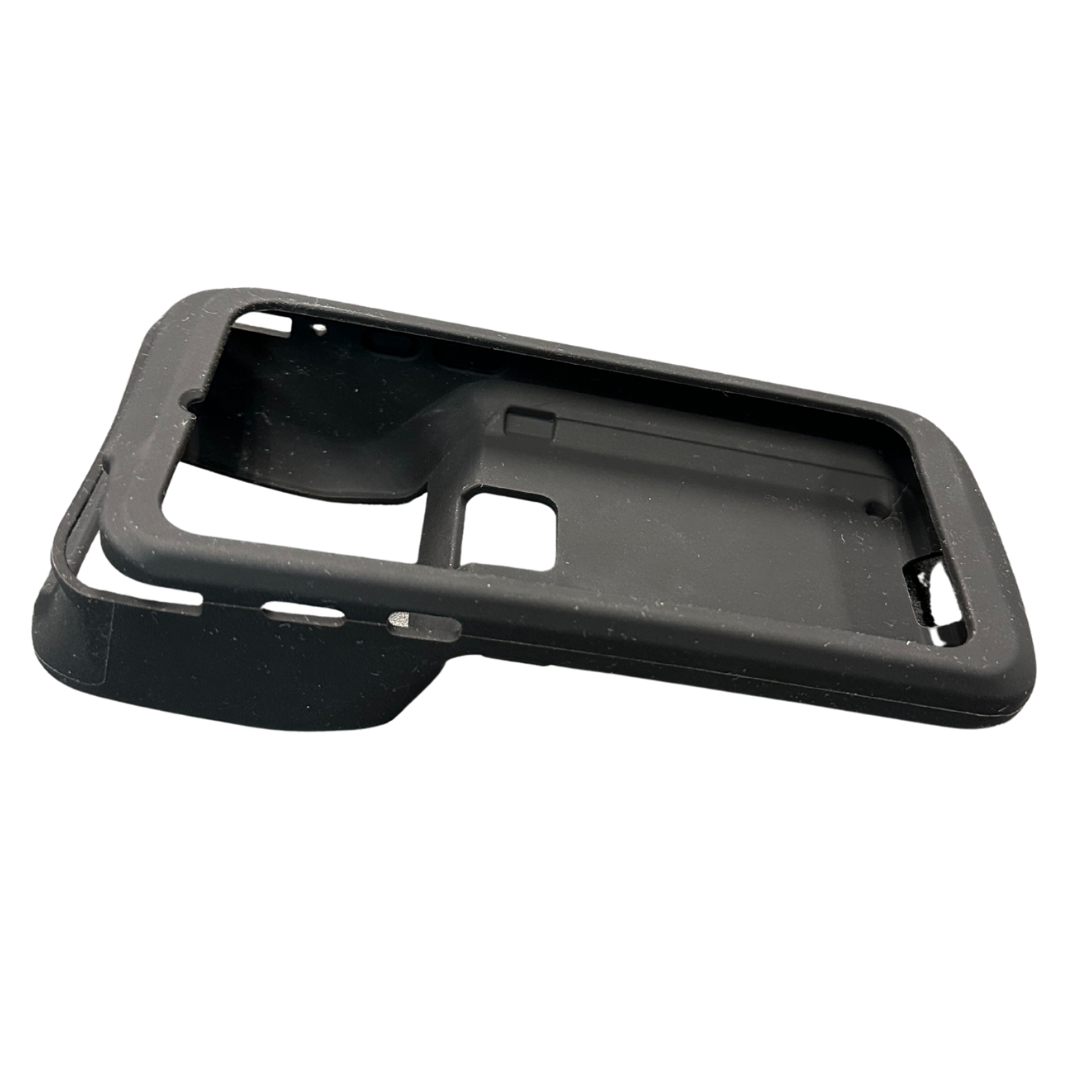
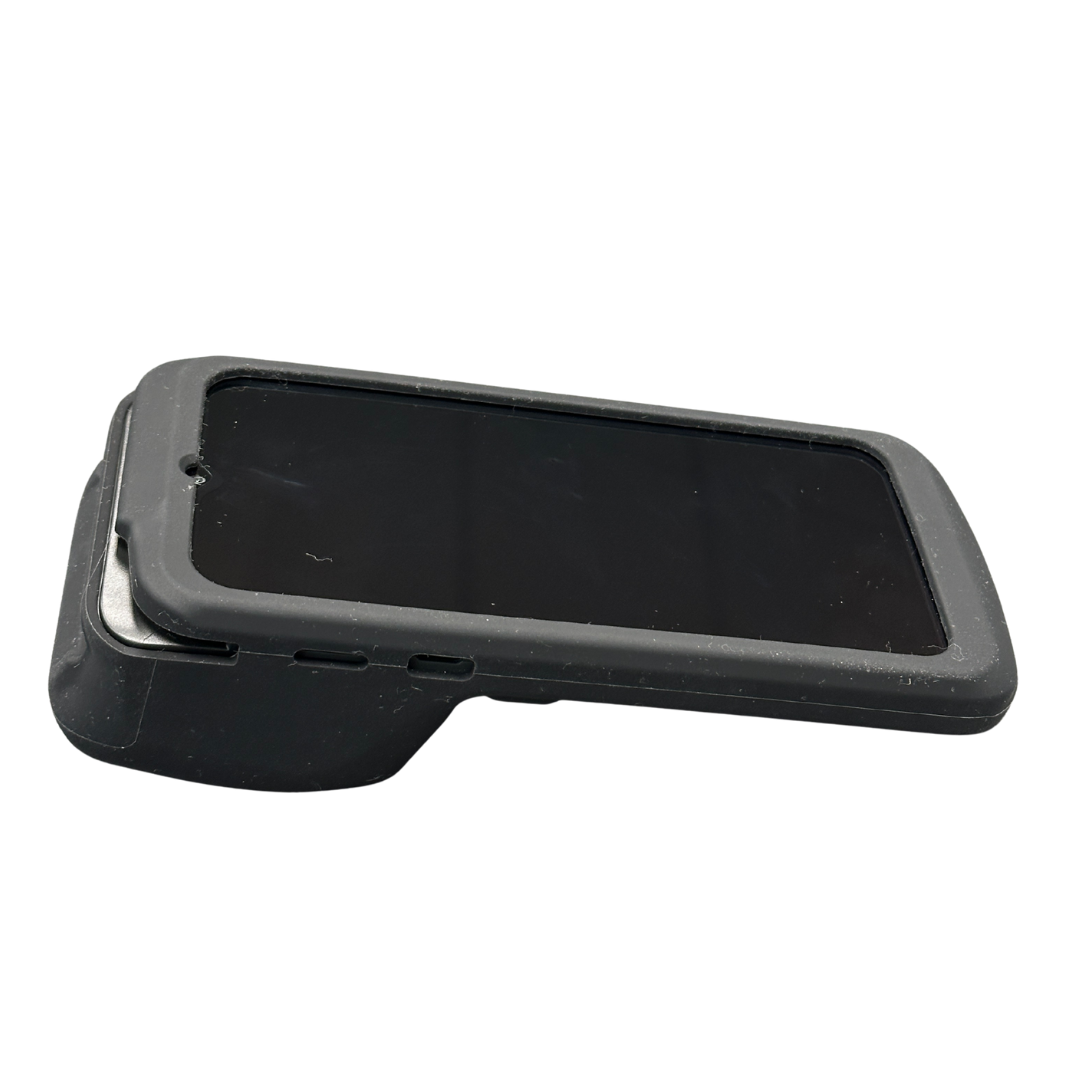
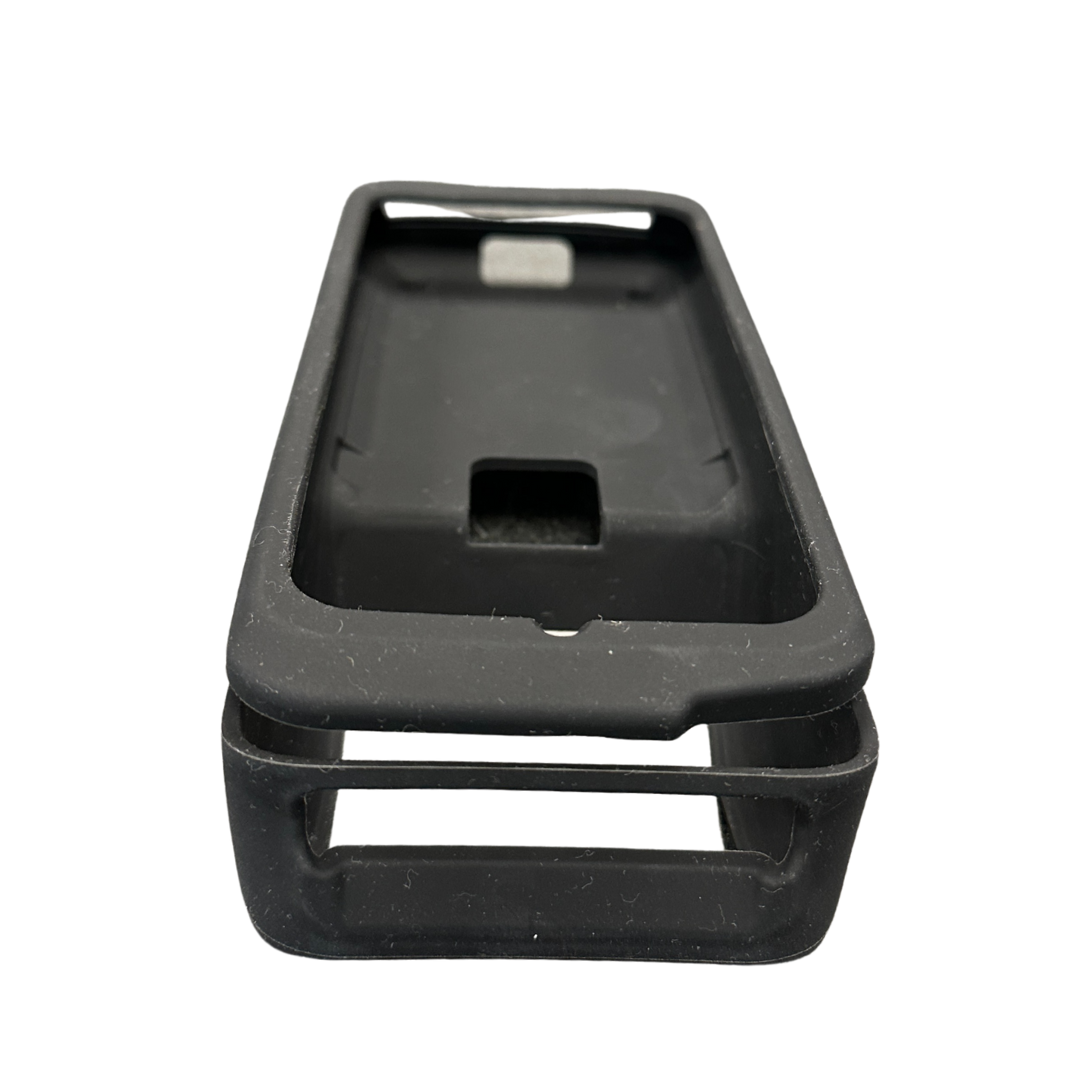
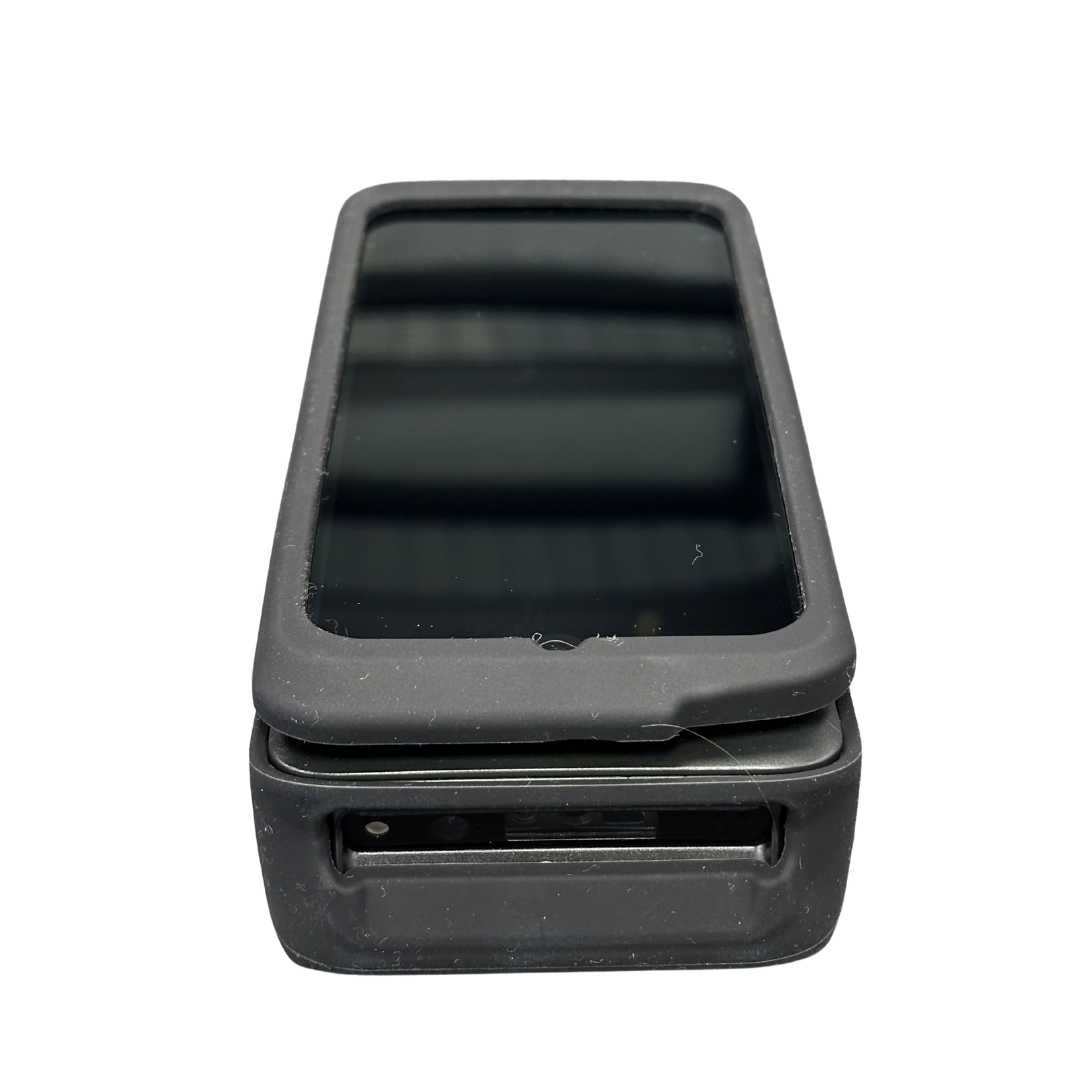
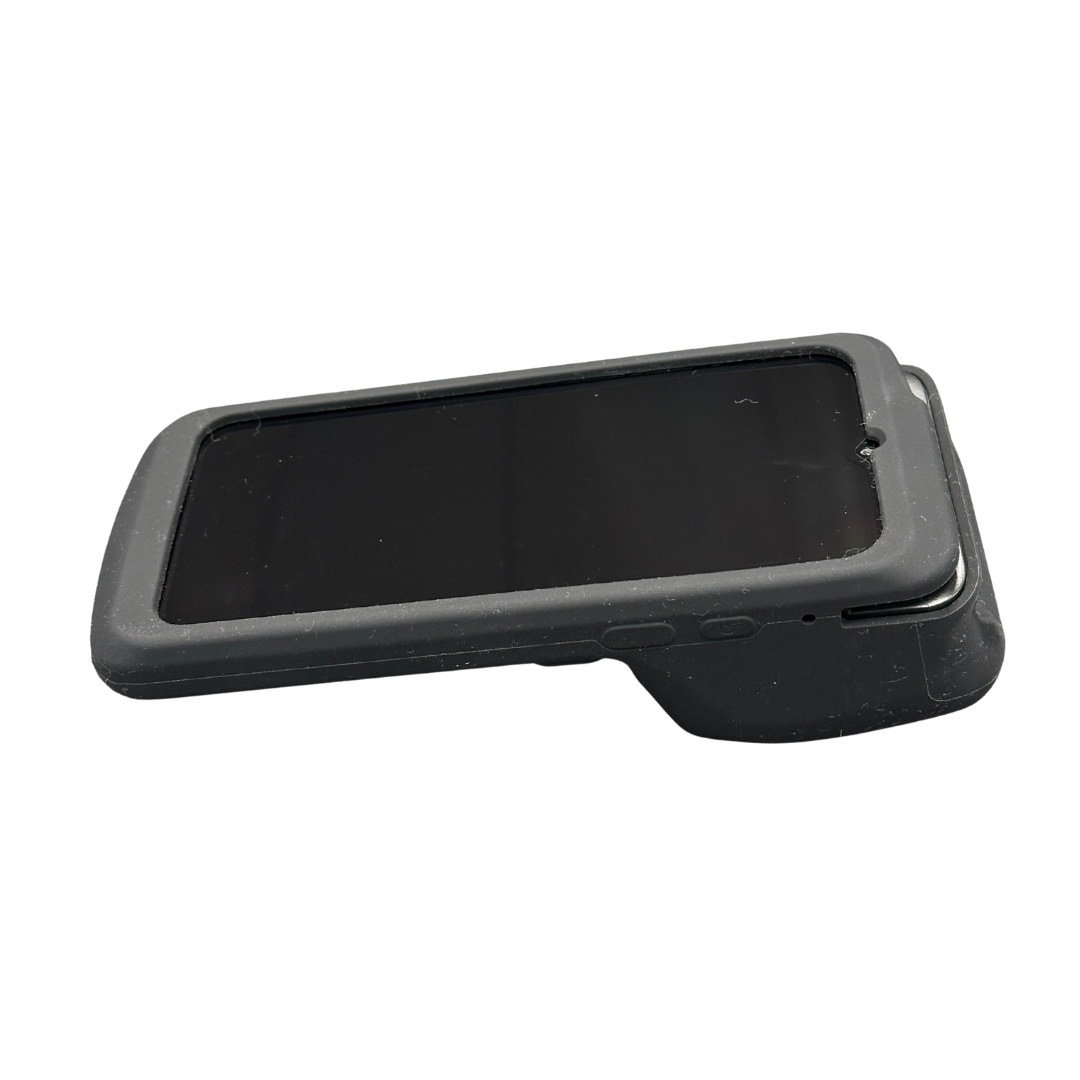
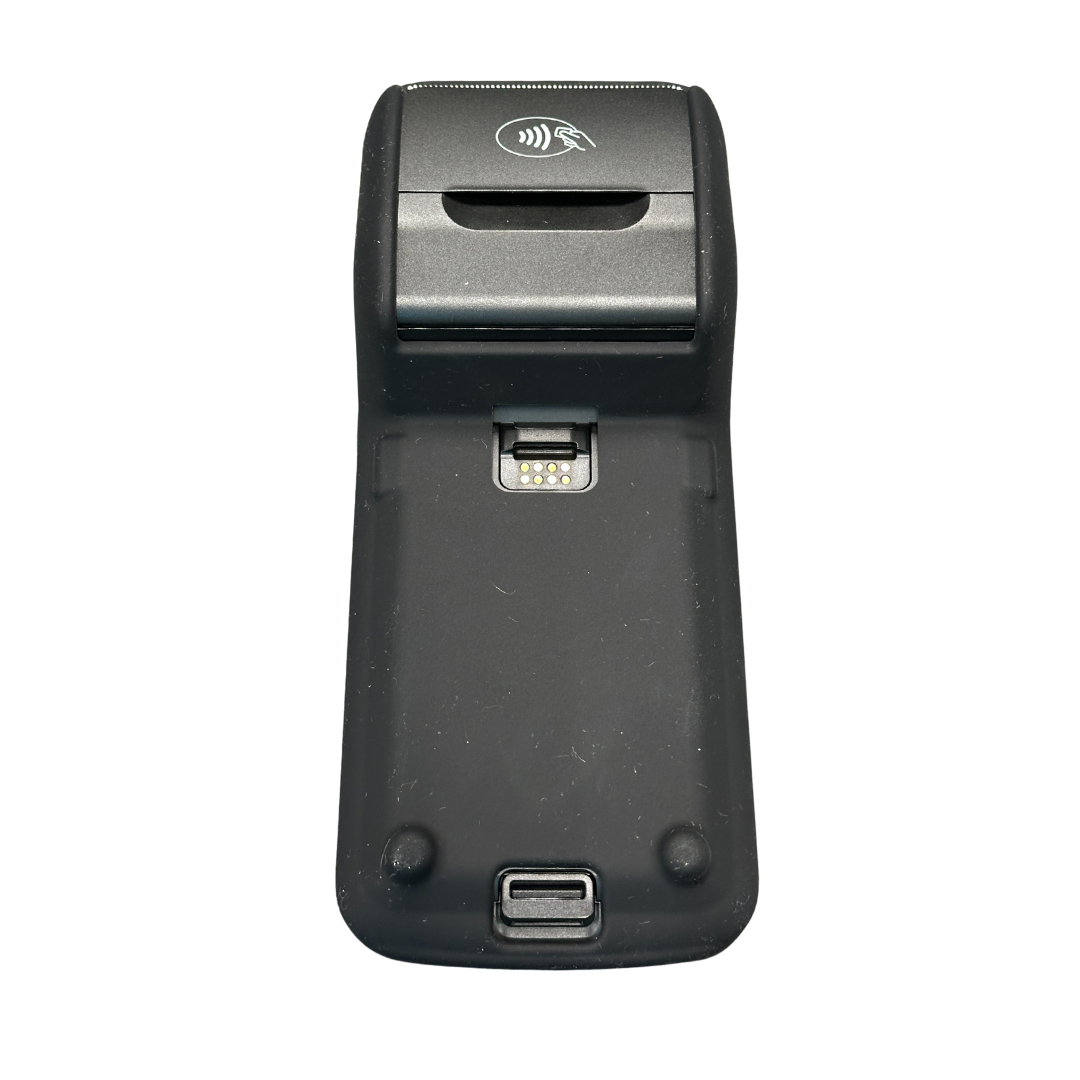
Dejavoo P8 Silicone Protective Sleeve

DejavooSKU: SIL-P8-C
No reviews

Price:
Sale price$38.00

Description

Protective Silicone Sleeve for the Dejavoo P8

Help protect your Dejavoo P8 wireless terminal from the drops, bumps, scratches, and everyday wear that come with mobile payment processing. This silicone protective sleeve is designed specifically for the P8, providing a secure fit and added protection without interfering with normal terminal use.

Ideal for restaurants, bars, retail stores, mobile merchants, delivery services, outdoor events, and other businesses where payment terminals are frequently carried and handled.

Key Features

Custom Fit for the Dejavoo P8: Designed specifically around the P8's form factor, with precise openings that maintain access to the touchscreen, camera, printer, charging connection, and other essential functions.

Drop and Impact Protection: Shock-absorbing silicone helps protect the P8 from everyday drops, bumps, scratches, and impacts while adding an extra layer of protection around the terminal.

Added Protection from Everyday Spills and Debris: The sleeve provides a protective barrier around the terminal housing to help guard against minor splashes, dust, dirt, and debris encountered during everyday use. The sleeve does not make the terminal waterproof.

Improved Grip: The silicone surface provides additional grip during handheld transactions, helping reduce accidental slips when employees or customers are handling the terminal.

Full Touchscreen Access: The sleeve fits around the P8's touchscreen without covering the active display area, allowing customers and staff to continue using the touchscreen normally.

Payment Functions Stay Accessible: The protective sleeve is designed to maintain access to the P8's essential payment functions, including supported contactless transactions.

Slim, Portable Design: Adds protection without unnecessary bulk, helping the P8 remain comfortable to carry and use for tableside payments, mobile checkout, deliveries, and other on-the-go applications.

Ideal For

Restaurants & Bars: Added protection for terminals used during tableside service and in busy food service environments.

Mobile Merchants: Helps protect terminals used at farmers markets, food trucks, trade shows, festivals, and other events.

Retail Stores: Provides an extra layer of protection for terminals that are frequently handled throughout the day.

Delivery & Field Services: Helps protect the P8 during transport and mobile payment processing.

Material & Care

Made from flexible silicone that's easy to maintain. Remove the sleeve from the terminal and clean it with a damp cloth and mild soap as needed. Allow it to dry completely before reinstalling it on the P8.

Compatibility

Designed specifically for the Dejavoo P8 wireless Android terminal. It is not intended for the P3, P5, or other Dejavoo terminal models.

Dejavoo P8 terminal sold separately.

You may also like

Recently viewed

Dejavoo P8 Silicone Protective Sleeve FAQs

Does the silicone sleeve interfere with the Dejavoo P8's touchscreen or payment functions?

No. The sleeve is designed to maintain access to the P8's touchscreen and essential payment functions. Customers and staff can continue to use supported chip, magnetic stripe, and contactless payment features without removing the protective sleeve.

Will the sleeve affect Wi-Fi, Bluetooth, or cellular connectivity?

No. The silicone protective sleeve is designed to allow normal use of the P8's supported wireless connectivity features, including Wi-Fi, Bluetooth, and cellular connections.

Can I charge the Dejavoo P8 while the sleeve is on?

Yes. The sleeve maintains access to the P8's charging connection, allowing you to charge the terminal by cable without removing it. Compatibility with charging cradles or bases may vary because the sleeve adds material around the terminal. Contact DCCSupply at 847-266-1220 if you need help confirming compatibility with a specific charging accessory.

What type of drop and impact protection does the sleeve provide?

The shock-absorbing silicone helps protect the Dejavoo P8 from everyday drops, bumps, scratches, and impacts. The sleeve also provides additional grip during handling, helping protect terminals that are frequently carried and passed between employees and customers.

Does the sleeve provide protection from spills and dust?

The silicone sleeve provides an additional protective layer around the terminal housing that can help guard against minor splashes, dust, dirt, and debris encountered during everyday use. It does not make the Dejavoo P8 waterproof.

How do I clean the silicone sleeve?

Remove the sleeve from the terminal and clean it with a damp cloth and mild soap. Allow it to dry completely before reinstalling it on the P8. Always follow Dejavoo's recommendations when cleaning the payment terminal itself.

Is this sleeve compatible with other Dejavoo terminals such as the P5?

No. This protective sleeve is designed specifically for the Dejavoo P8. Other Dejavoo terminals, including the P5, QD2, and QD3, have different dimensions and configurations and require their own model-specific protection.

Does the sleeve add significant bulk to the P8?

No. The flexible silicone has a slim profile that adds protection without unnecessary bulk, helping the P8 remain portable and comfortable to handle for tableside payments, mobile checkout, deliveries, and other on-the-go applications.

Why use a silicone protective sleeve on the Dejavoo P8?

The P8 is a portable payment terminal that may be carried, handled, and passed between employees and customers throughout the day. A silicone sleeve provides an added layer of protection against everyday wear, scratches, bumps, and accidental impacts while also providing additional grip during handling.

Does DCCSupply offer protective sleeves and cases for other Dejavoo terminals?

Yes. DCCSupply offers silicone protective sleeves, clear protective cases, carrying cases, and other accessories for a variety of Dejavoo payment terminals. Browse our Dejavoo protective cases and carrying cases to find an option for your specific terminal model.