


Description
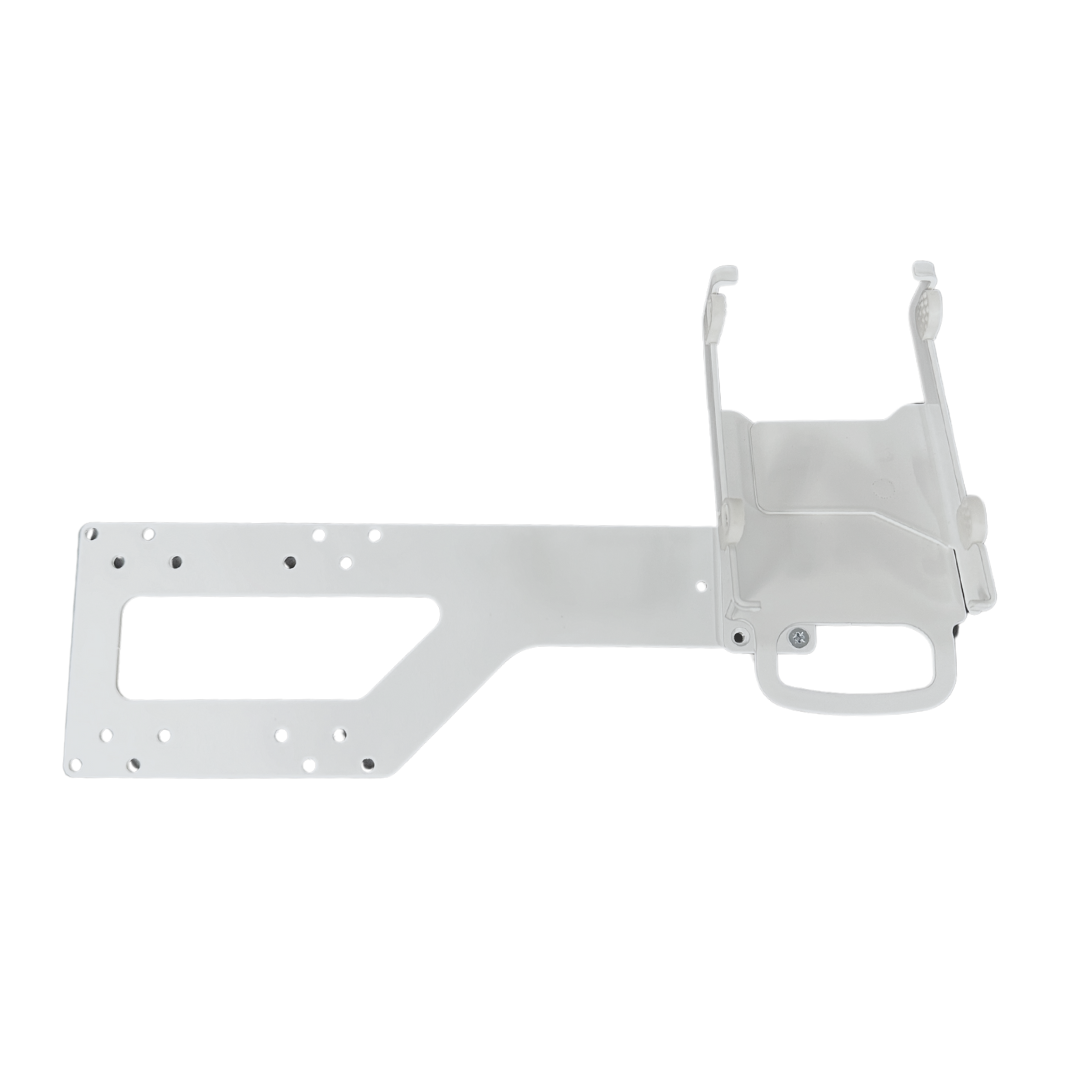
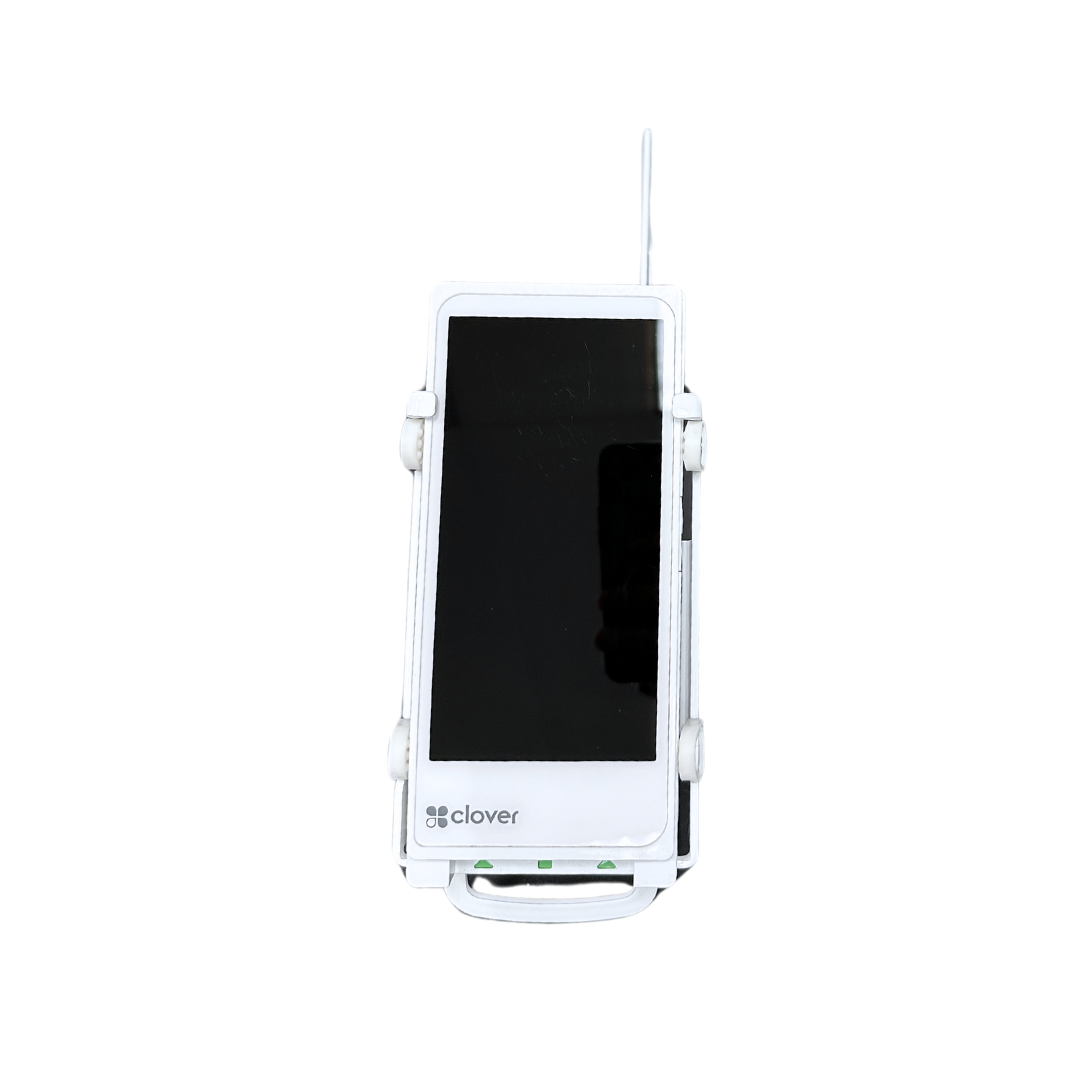
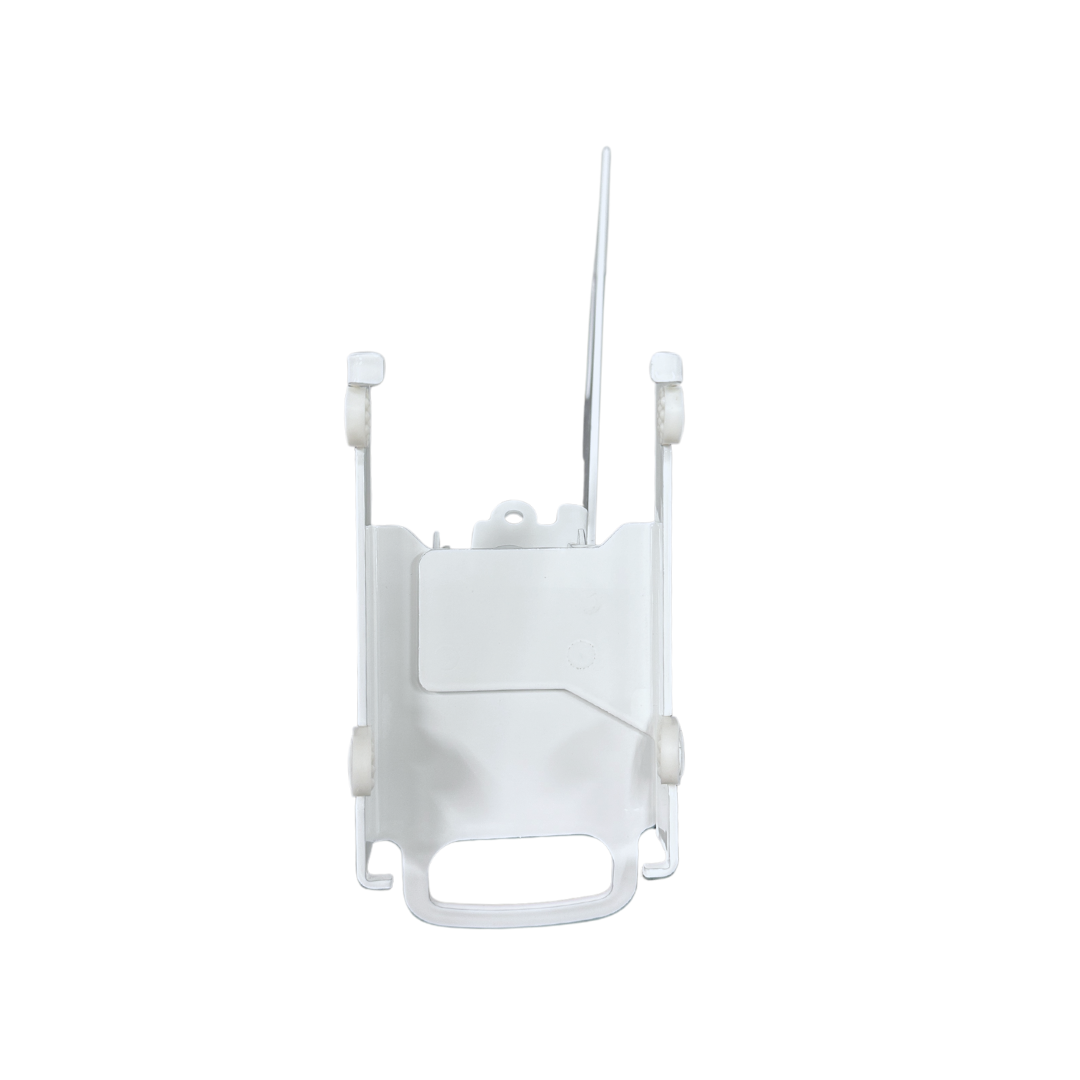
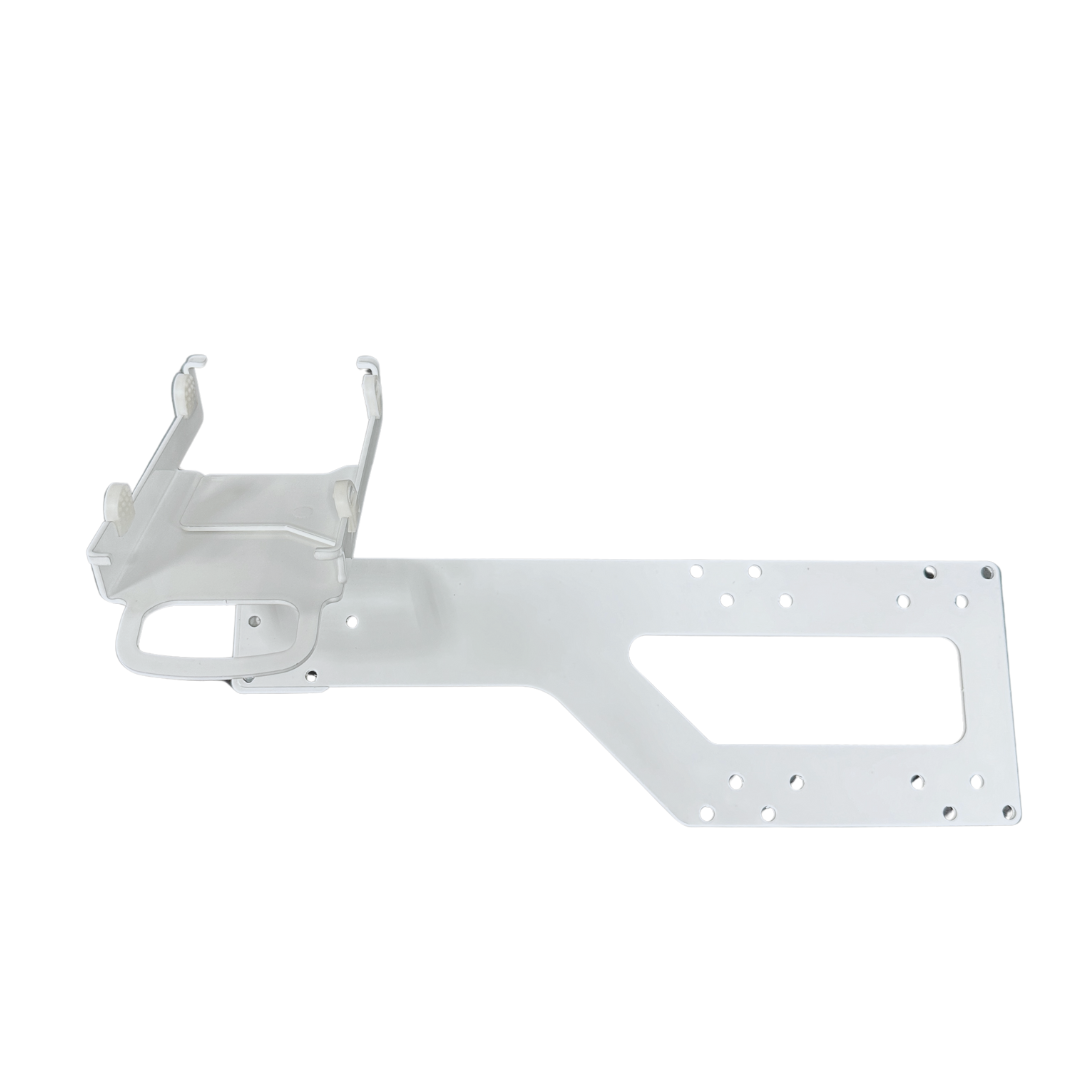
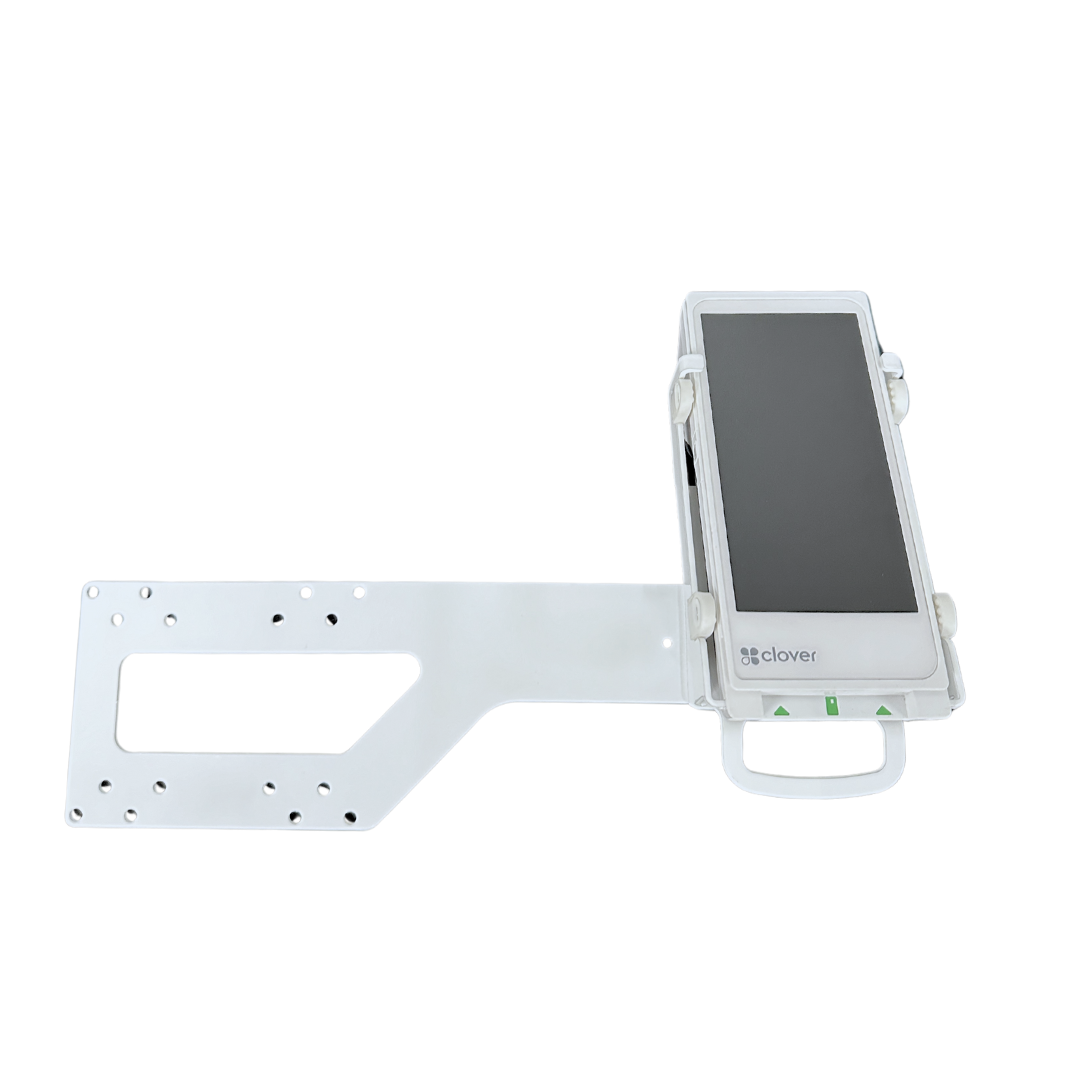
Maximize valuable counter space with the DCCStands® VESA Mount for the Clover Flex 3 and Clover Flex 4 payment terminals. Designed and engineered by DCCSupply, this heavy-duty steel mounting bracket securely attaches your payment terminal to the back of a compatible 19" to 23" monitor, creating a clean, professional checkout solution while keeping your payment device within easy reach.
Ideal for retail stores, restaurants, hospitality, healthcare, and other customer-facing environments, this VESA mount helps organize your checkout area by positioning your payment terminal alongside your POS monitor instead of occupying valuable counter space. Every DCCStands® payment device mount is backed by DCCSupply's Limited Lifetime Warranty, giving you confidence that your investment is built to perform for years to come. Learn more about our Limited Lifetime Warranty here:
https://www.discountcreditcardsupply.com/pages/limited-lifetime-waranty-on-dccstands
Key Features
- Designed for Clover Flex 3 & Clover Flex 4 – Custom-engineered to securely mount your payment terminal alongside your POS monitor.
- Fits 19"–23" VESA Monitors – Compatible with monitors using standard 70 mm x 70 mm and 100 mm x 100 mm VESA mounting patterns.
- Key-Locking Design – Helps secure the payment terminal and deter unauthorized removal.
- Left or Right Monitor Mounting – Install the payment terminal on either side of the monitor to best fit your checkout workflow.
- Heavy-Duty Powder-Coated Steel Construction – Built for demanding commercial environments.
- Clean, Professional Appearance – Helps reduce countertop clutter while keeping the payment terminal conveniently positioned.
- Limited Lifetime Warranty – Every DCCStands® payment device mount is backed by DCCSupply's Limited Lifetime Warranty.
Benefits
Mounting your Clover Flex payment terminal directly to your POS monitor keeps both devices together in one convenient location, helping employees and customers interact with the payment terminal more comfortably while creating a cleaner, more organized checkout counter.
The integrated key-locking design helps protect your payment terminal, while the VESA mounting system makes this solution ideal for businesses looking to maximize available counter space.
Why Choose a VESA Mount?
A VESA-mounted payment terminal offers several advantages over a traditional countertop stand:
- Frees up valuable counter space
- Creates a cleaner, more organized checkout area
- Keeps the payment terminal and POS monitor together
- Helps improve cable organization
- Provides a professional appearance for customer-facing checkout stations
- Helps protect the payment terminal from unnecessary movement
Ideal Applications
Perfect for:
- Retail stores
- Grocery stores
- Restaurants and cafés
- Hospitality
- Medical and dental offices
- Specialty retail
- Government facilities
- Reception desks
- Service counters
What's Included
- DCCStands® VESA Mount for Clover Flex 3 & Clover Flex 4
- Key-Locking Mounting Plate
- Mounting Hardware
- Limited Lifetime Warranty
Payment terminal and monitor not included.
Compatibility
Compatible with:
- Clover Flex 3
- Clover Flex 4
Compatible with:
- 19"–23" monitors
- 70 mm x 70 mm VESA mounting pattern
- 100 mm x 100 mm VESA mounting pattern
Not compatible with the original Clover Flex (C401U).
Before You Order
Measure from the center of your monitor's VESA mounting holes to the outside edge of the monitor, including the card reader if it remains attached. This measurement must not exceed the supported extension distance for your selected mounting configuration to ensure proper fit.
If you're unsure whether this mount is compatible with your monitor, contact DCCSupply before ordering and we'll be happy to help.
Installation
The VESA mount installs between your compatible monitor and its existing VESA mount using the included mounting hardware.
For step-by-step installation guidance, please review our DCCStands® Installation Instructions:
https://www.discountcreditcardsupply.com/pages/dccstands-installation-instructions
The DCCStands® Difference
The DCCStands® line of payment device mounts is designed specifically for the payments industry. Unlike generic universal mounts, each payment device mount is engineered for a precise fit, dependable performance, and long-lasting durability. Whether mounted to a countertop, pole, wall, or VESA-compatible monitor, DCCStands® mounting solutions help create cleaner, more ergonomic checkout environments while protecting valuable payment devices. Backed by DCCSupply's Limited Lifetime Warranty, they're built for the demands of everyday commercial use.


