

Description
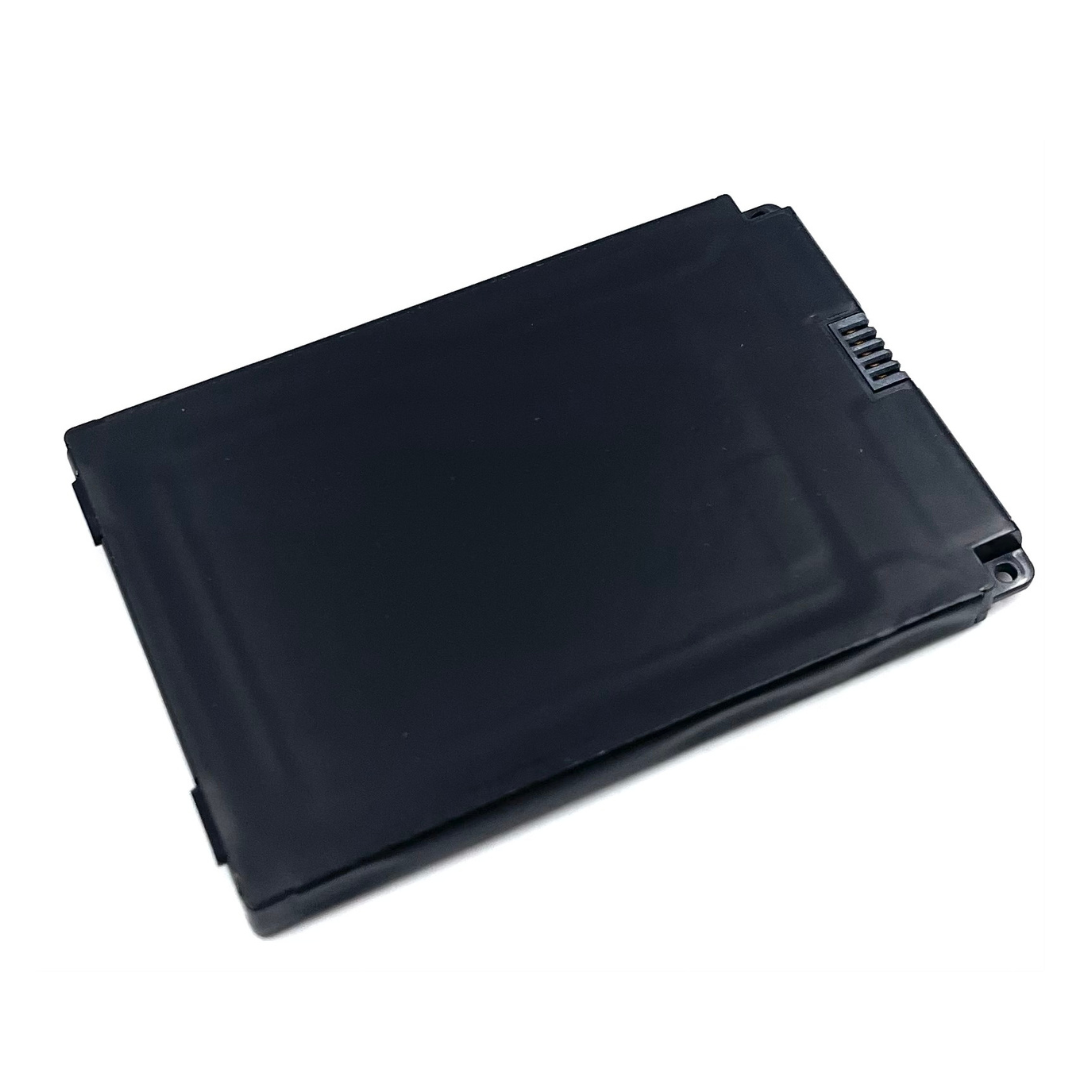
Replacement Battery for Clover Flex C401U Payment Terminal
Original equipment replacement battery restores full-day runtime to your Clover Flex C401U point-of-sale terminal. Designed for merchants experiencing reduced battery life, unexpected shutdowns, or terminals that won't hold a charge.
Battery Specifications
- Voltage: 7.6V Li-Polymer
- Capacity: 2100mAh / 15.96Wh
- Dimensions: 87.00 x 58.42 x 7.00mm
- Weight: 118g
- Part Numbers: Replaces Clover AHA22121001, CA355772HV, MPPCLOYJ4
Compatibility
- ✓ Clover Flex (Model C401U)
- ✗ Not compatible with Clover Flex 3 (Model C403U)
- ✗ Not compatible with Clover Flex 2 or Flex 4
What's Included
- 1x Replacement battery
- Installation instructions (PDF download)
Installation Self-installation takes approximately 10-15 minutes with basic tools. Download installation guide. Customer is responsible for battery replacement. DCCS is not responsible for data loss or equipment damage during customer installation.
When to Replace Your Battery
- Terminal won't hold charge for a full business day
- Device shuts down unexpectedly during transactions
- Battery swelling or physical damage
- Terminal is 18+ months old with daily use
Why Merchants Choose This Battery
- Avoids 2-3 day terminal replacement downtime
- Costs less than purchasing a new Clover Flex terminal ($449-549)
- Extends equipment lifespan by 12-18 months
- Same-day shipping available for orders placed by 2pm CT
Click HERE for Clover Flex Replacement Battery Installation Instructions.
Fits Clover Flex P/N C401U POS. It is not compatible with the Clover Flex 3 C403 POS device.
Frequently Asked Questions
Can I install this battery myself?
Yes. Installation requires a small Phillips screwdriver and takes 10-15 minutes. Download the installation guide before starting. Power off the device completely before opening. Note: Self-installation voids any remaining manufacturer warranty on the Clover Flex terminal.
Will replacing the battery delete my transaction data?
No. Transaction data is stored in the terminal's internal memory, not the battery. However, DCCS recommends syncing all transactions to your Clover dashboard before battery replacement as a precaution. DCCS is not responsible for data loss during customer installation.
What warranty does this battery include?
This replacement battery is covered by DCCS's standard 1-year warranty against manufacturing defects. Warranty does not cover physical damage, water damage, or batteries damaged during self-installation. See full warranty terms at DCCS Warranty Policy.
How do I know if my battery needs replacement?
Common signs: terminal won't last a full shift on a single charge, unexpected shutdowns during transactions, battery swelling (stop using immediately if swelling occurs), or the device won't power on even when plugged in. If your Clover Flex is 18+ months old with daily use, battery replacement is typically needed.
Does this come with installation tools?
No. You'll need a small Phillips-head screwdriver (not included). The battery ships with installation instructions only.
Can I return this battery if it doesn't work?
Yes, within 30 days of purchase if the battery is defective or unused. Batteries that have been installed and show signs of physical damage or incorrect installation are not eligible for return. See DCCS Return Policy for complete terms
